Your Shopify store, connected to messages that actually sell
Turn your products into rich cards and carousels, send RCS and SMS from Shopify Flow, and see exactly which message made which sale.
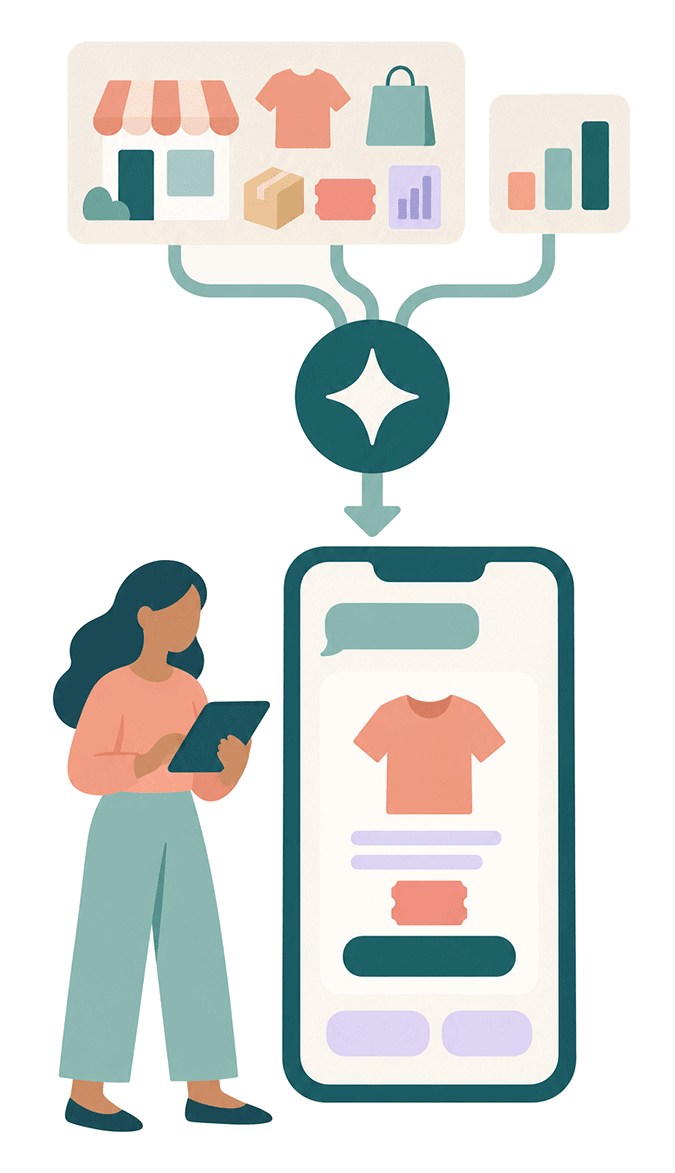
Connect your store once and SendRCS becomes part of your shop. Shopify Flow sends RCS and SMS the moment an order is placed, shipped or abandoned. Every button and link to your store is tracked, and purchases and revenue land in your statistics per campaign and per message. Opt-ins from your checkout become contacts on their own. Products come straight from your store into your messages. And your AI knows your shop: it designs around your best sellers and active discount codes, and suggests campaigns built on what sold last time.


A Shopify Carousel built from your products, with the discount code applied the moment the customer taps.
Stop sending into the dark
Most store owners can tell you how many messages they sent. Far fewer can tell you what those messages sold. SendRCS closes that gap. When your store is connected, every tap on a product button is registered, the visitor lands in your shop with your campaign parameters intact, and when the visit turns into an order within seven days, the purchase is matched to the campaign and to the contact who bought.
That changes how you work. You compare campaigns by revenue, not by clicks. You see which products people bought after tapping a card, and what they added on top. You put your buyers in a group for the next launch. And Shopify Flow handles the messages that should go out on their own, with the same tracking behind every one.
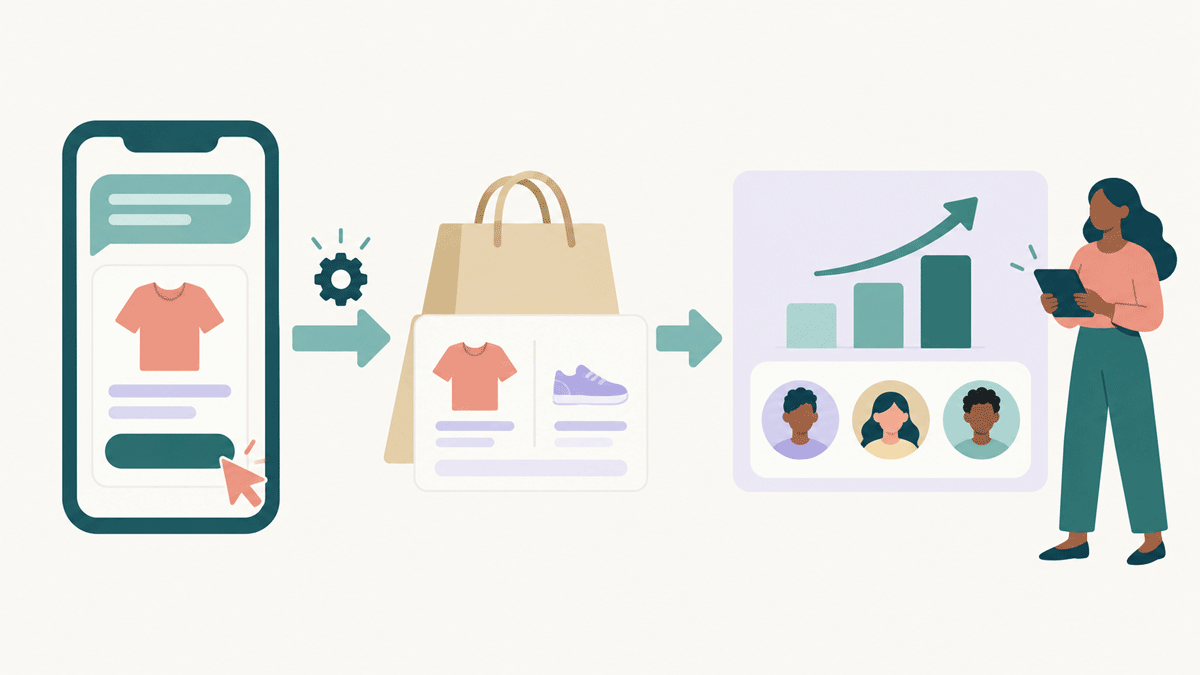
What a connected store gives you
Products, discount codes, automations, tracking and AI - everything a store needs to send RCS messages that sell, with SMS as the fallback, and to prove it.
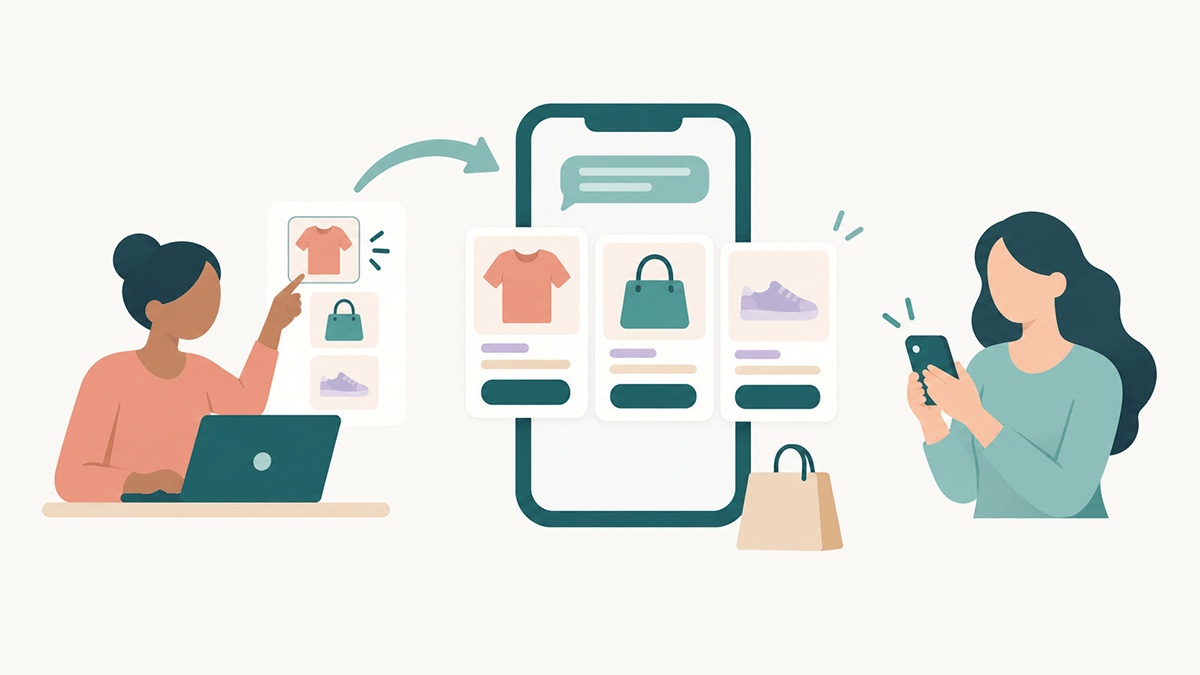
Rich cards and carousels from your products
Open the RCS Designer, pick Shopify Rich Card or Shopify Carousel under Integrations, and your collections and products are right there. Search by name, description or tag, filter by collection, and select one product or up to ten. Every card gets the product image, title and description, and a buy button that opens the product page or a cart that already holds the product: the fewest steps to a purchase. Apply, and you have a finished message you can still edit like any other.
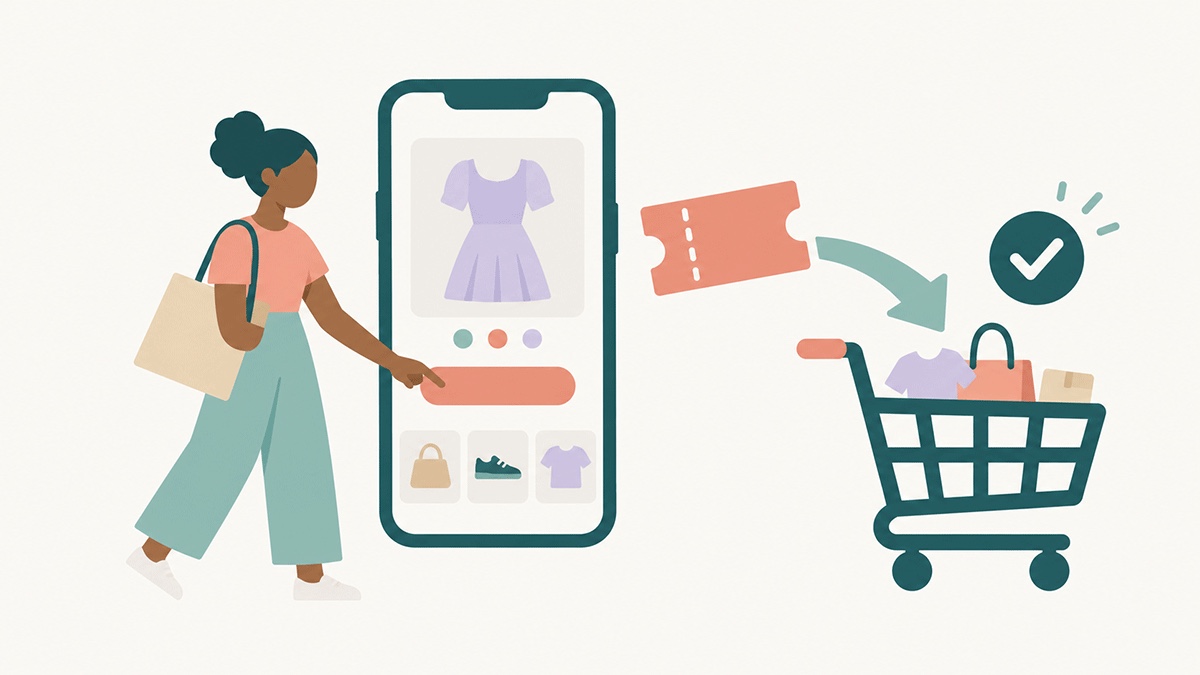
Discount codes that apply themselves
Pick one of your active Shopify discount codes from a list while building the message. The code travels with the button and is applied at checkout the moment the customer taps. No typing, no hunting for the code field, no lost sales at the last step.
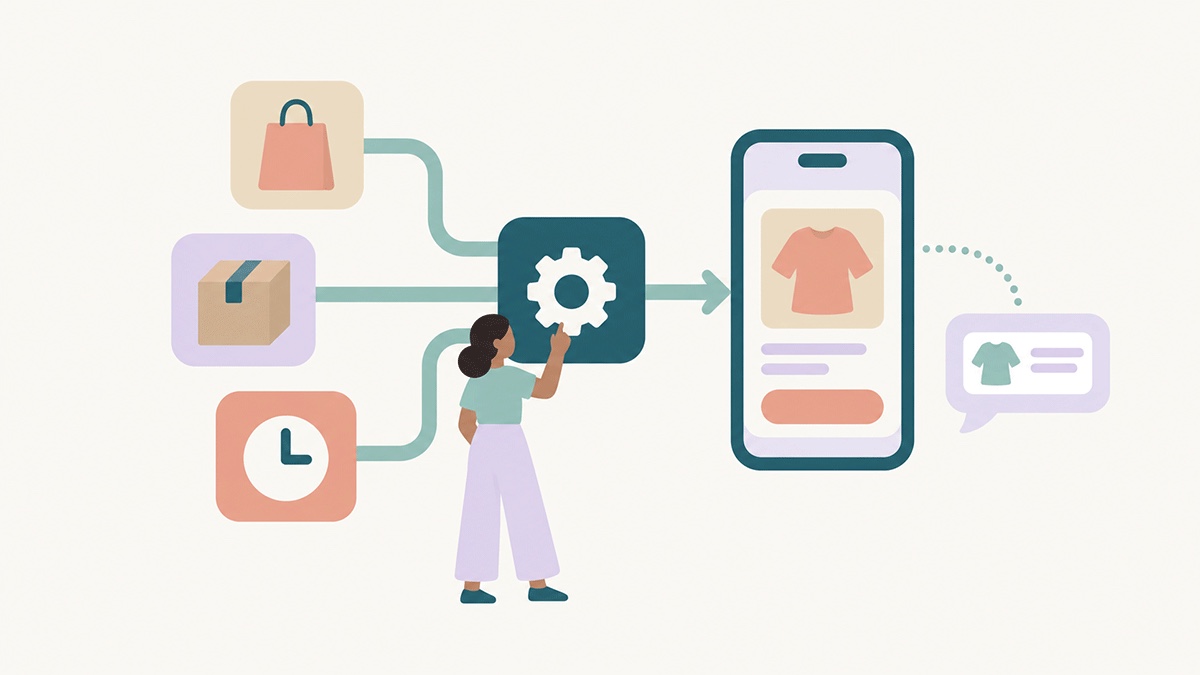
Send RCS and SMS from Shopify Flow
Drop a SendRCS step into any Flow workflow or marketing automation: order placed, order fulfilled, abandoned checkout, a tag added to a customer, a win-back after a quiet spell. Pick a sender and a template, map Shopify values into the message, adjust the buttons, add an SMS fallback, and save. Flow sends it at the right moment, and the message shows up in your Message Log and statistics like everything else.
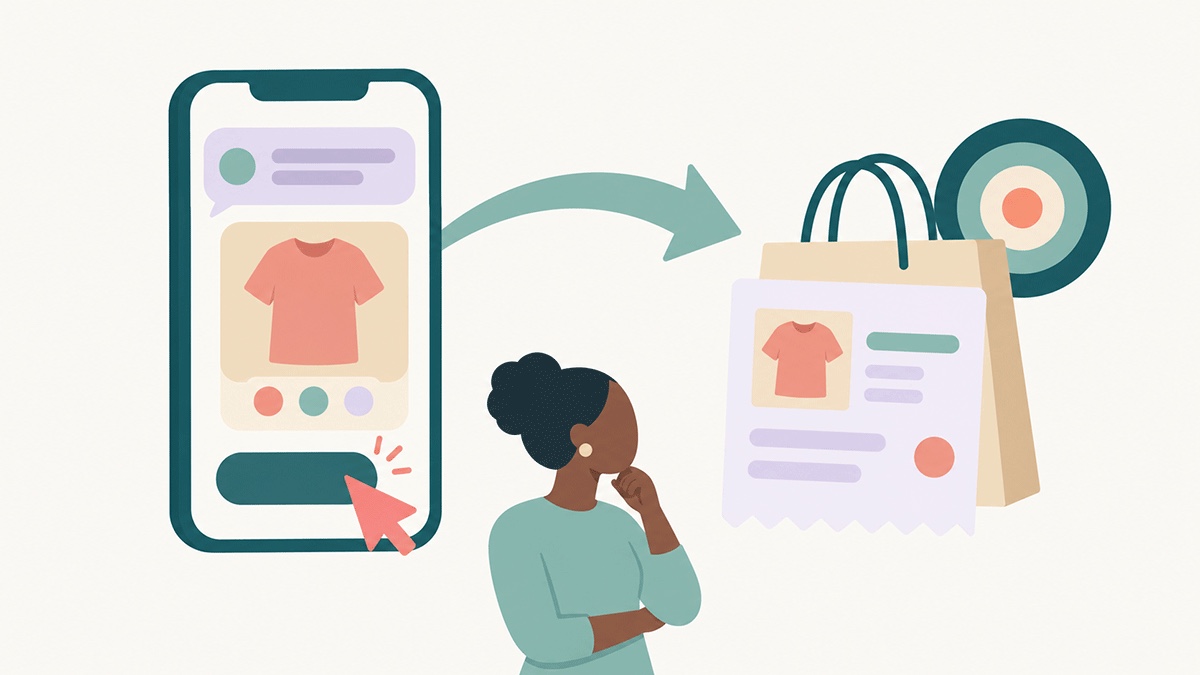
Purchases matched to your campaigns
Switch on the SendRCS attribution embed in your theme once, and orders are matched to your campaigns from then on. A pixel the app installs by itself catches "Buy it now" checkouts that skip the cart. Last click wins, within seven days of the send. Nothing to set up per campaign.
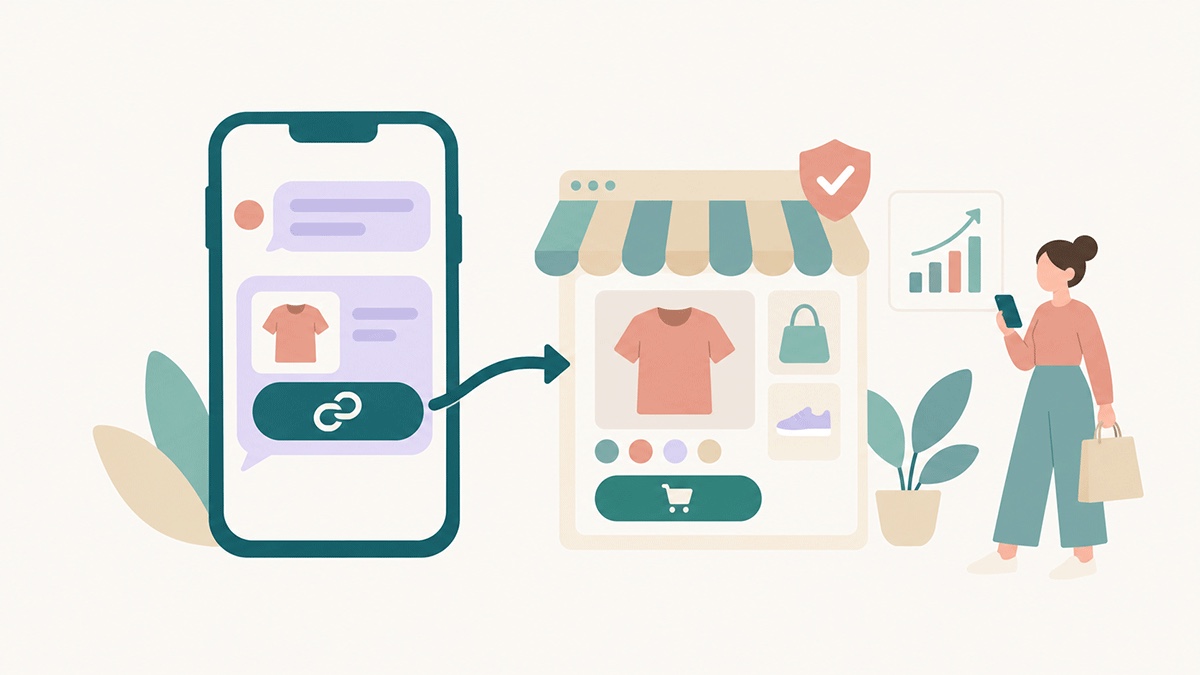
Tracked in RCS and SMS, on your own domain
Every RCS button that points to your store is tracked, with nothing to set up. When a message goes out as SMS, as the fallback or as an SMS campaign, store links are shortened to tracked links that live on your shop's own address, so they look like yours and your customers trust them. Clicks and purchases land in the same statistics whichever channel delivered the message, and in Shopify Marketing as well. Prefer your own link text? Switch it off with one toggle.
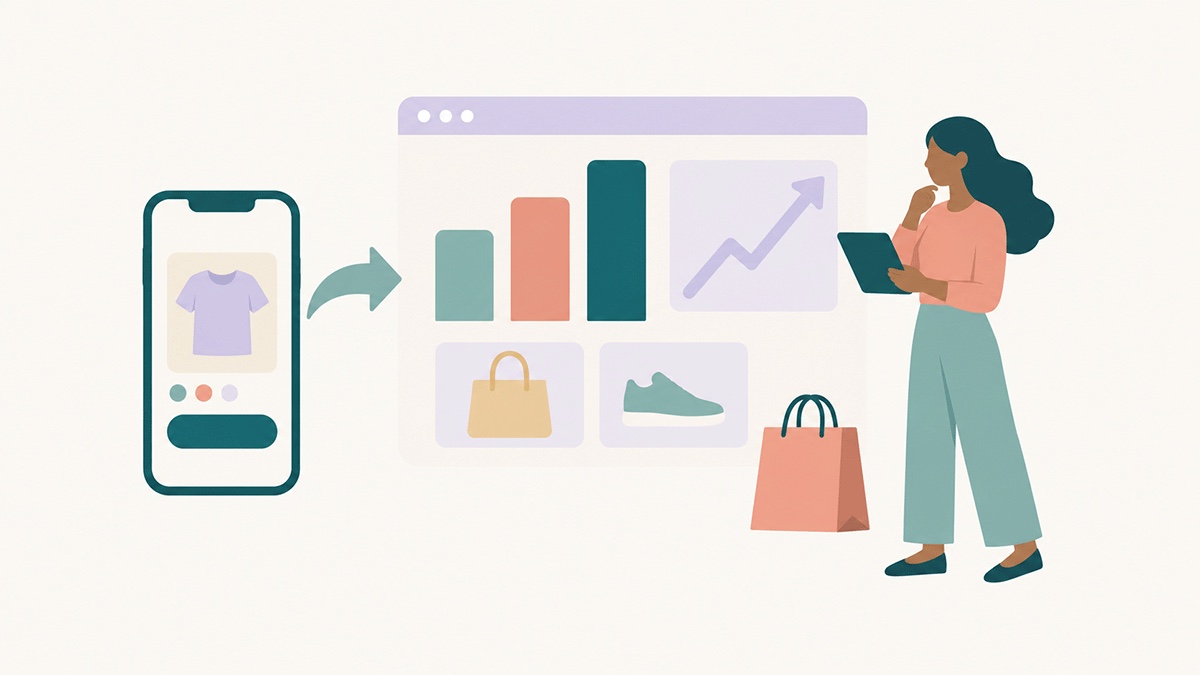
Revenue statistics per campaign and per message
The Shopify tab in Statistics shows purchases, buyers, revenue, average order value, what the campaign earned after paying for the messages, and return on ad spend. Recipient conversion, read-to-purchase and click-to-purchase rates show where the funnel leaks. Pick a single send and every number narrows to that message. "What they bought" lists the products, with the one the button linked to marked separately from what was added on top. "Who purchased" shows the buyers, ready to download or add to a group.
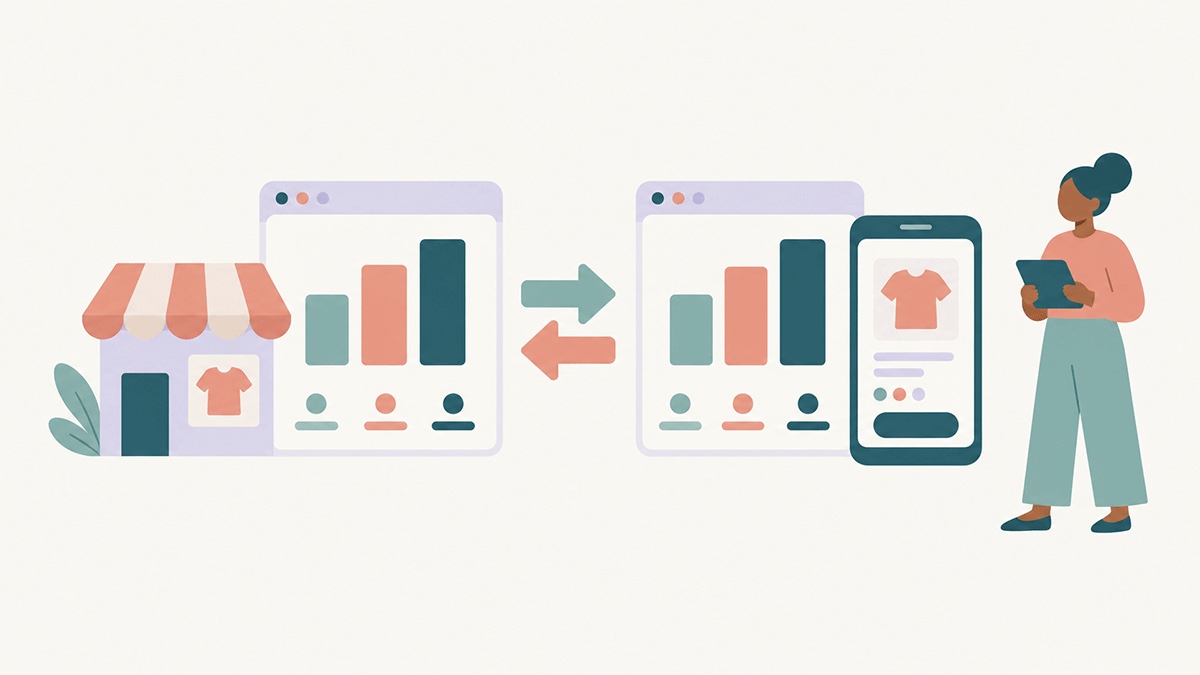
Your campaigns in Shopify's own reports
Every tracked link carries UTM parameters, so Shopify Analytics attributes the sessions and orders to your campaign too. Messages sent from Flow appear as marketing activities under Shopify Marketing, with sends, clicks and unsubscribes reported back. Your Shopify reports and your SendRCS statistics tell the same story.
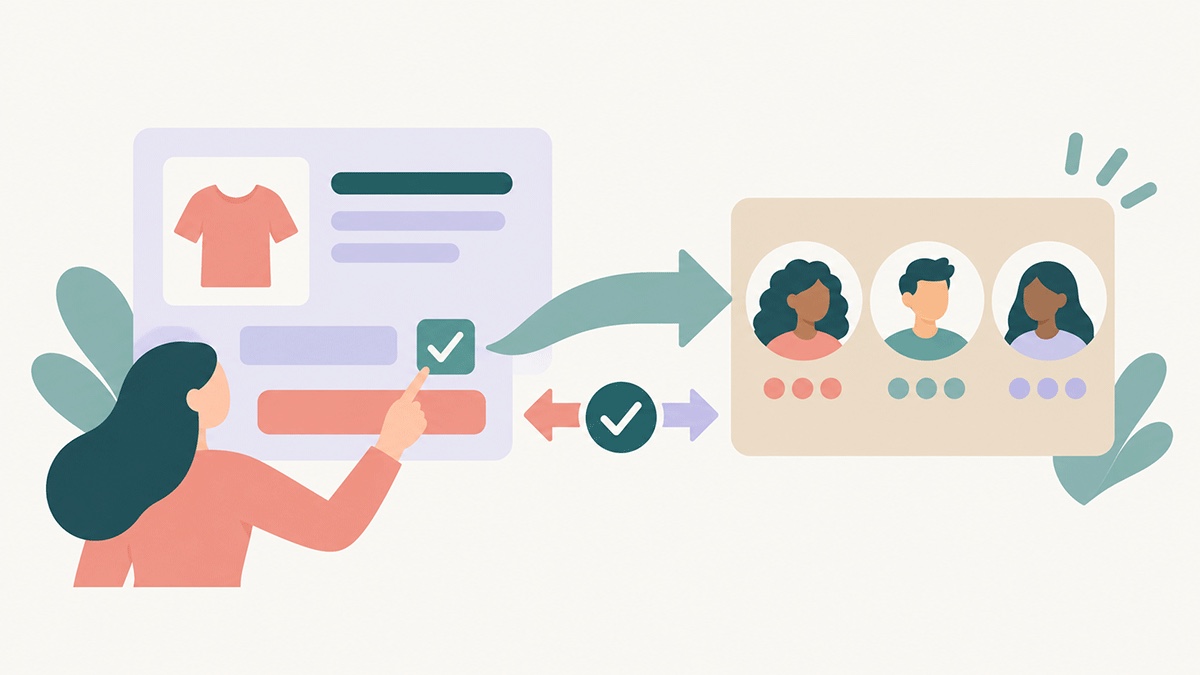
Opt-ins from your checkout become contacts
When a customer ticks the SMS marketing box at your checkout or in their profile, they become a SendRCS contact, ready for your RCS campaigns with SMS as the fallback, validated like any other, added to the groups you choose, with name and email kept in sync. Customers who opted in before you connected are imported in one go. And when someone unsubscribes through a SendRCS link, their consent in Shopify is updated as well, so the two never disagree.
An AI Designer that knows your shop
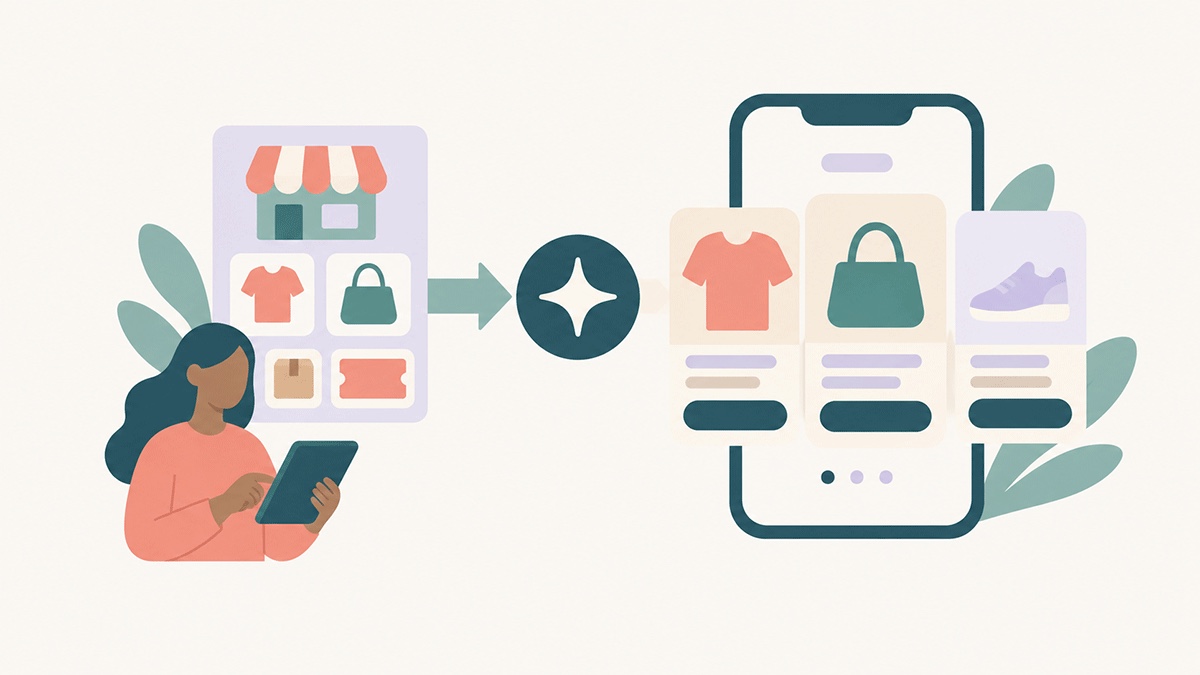
Connect your store under Sources and the AI Designer reads your products, collections, the last 60 days of orders, your shop pages and your active discount codes. Ask for "a carousel with this week's best sellers and the WEEKEND20 code" and it builds it with real products, prices, images and buy links, tracking parameters included. Sources run on your own AI key.
Message suggestions that lift sales
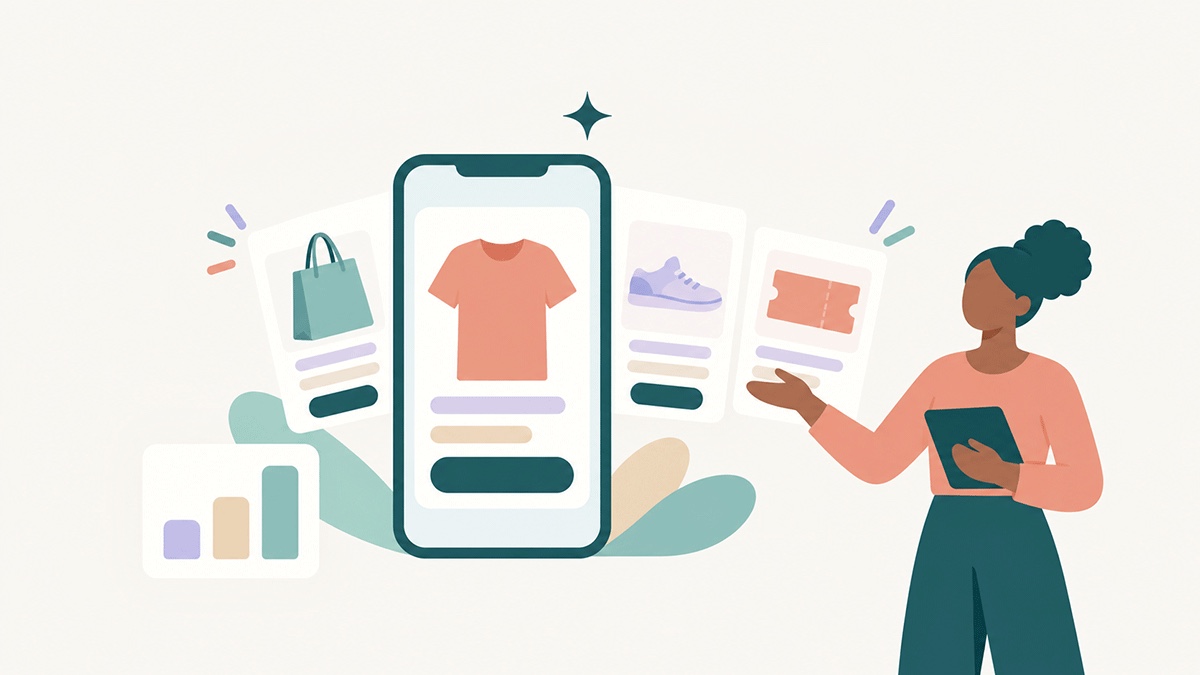
Let your AI propose up to six ready-to-send RCS messages per run, daily, weekly or whenever you press Generate. Shop accounts choose the angles: offers and best sellers, new arrivals and collections, stories from your pages and posts, service and reassurance, win-back for customers who have not bought lately. Each suggestion comes with a phone preview, why it could work and the numbers it relied on, including which past campaigns had the best clicks and purchases. Edit and send, refine with the AI, or save it as a template. Runs on your own AI key.
Product photos that look like ads
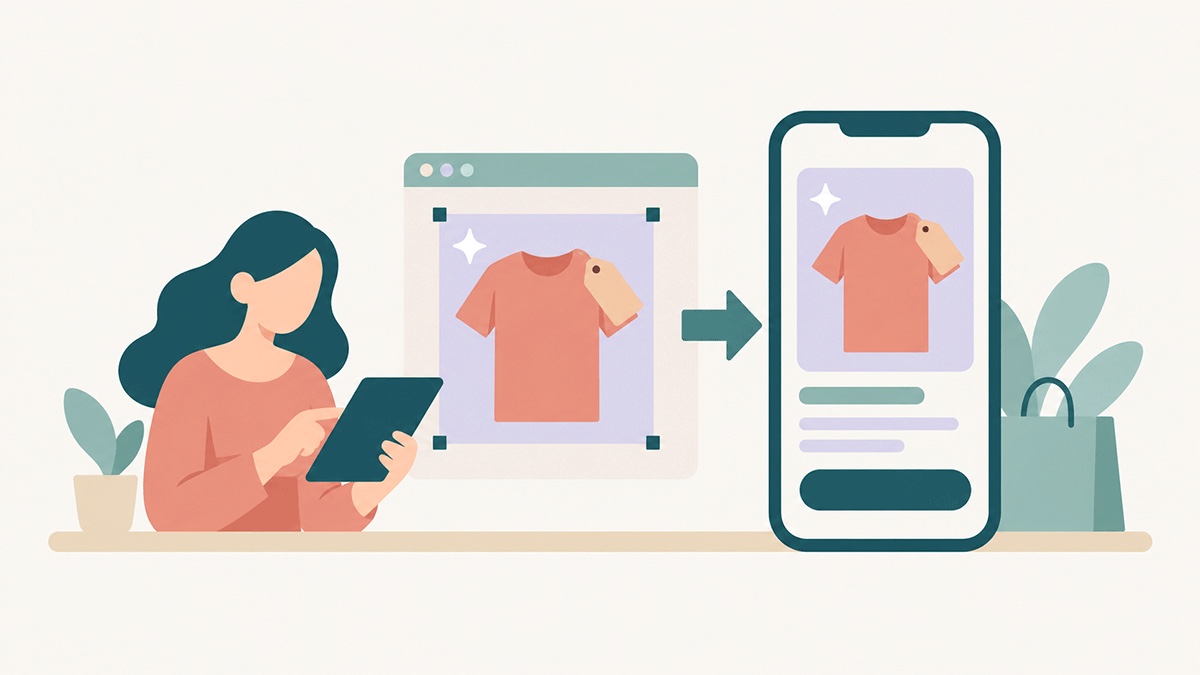
Pull product images straight from your store into the Media Library, then open the image editor: crop to the card format, let the AI fill the edges, add a price tag or a "New" badge, and preview the result inside a rich card on a phone. More below.
The messages that should send themselves
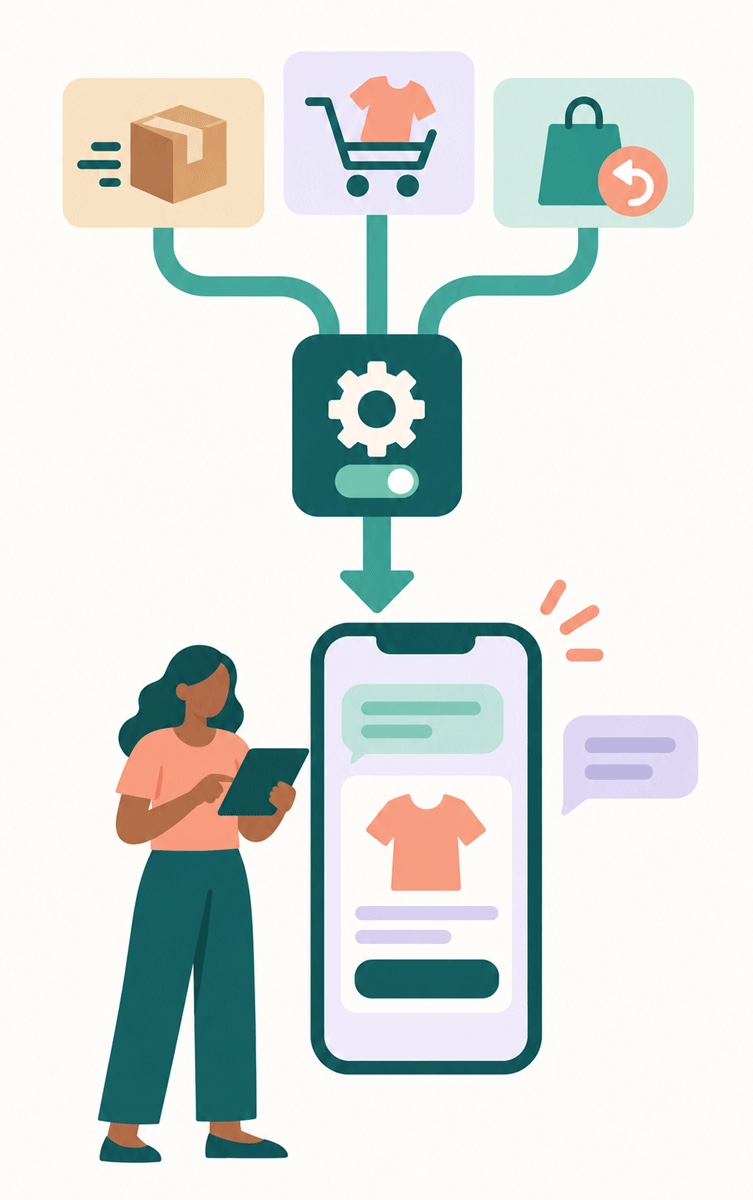
Some messages should never depend on someone remembering to send them. With the SendRCS actions in Shopify Flow, they don't.
Add "Send RCS message" or "Send SMS message" to a workflow and click Set up message. You're on a SendRCS page without leaving Flow. Choose a sender and a template, then map the merge fields to Shopify values: the customer's first name, the order number, the tracking link, the first product in the order, the checkout recovery link. Change the text and link of any URL button, swap a card image for a product image, add an SMS fallback, name the campaign. Save, and the step shows which template goes out from which sender.
Order confirmations and shipping updates with the tracking link as a button
Abandoned checkout recovery with a one-tap link back to the checkout, reported back to Shopify as sent
Win-back and upsell automations built on the customer's last order
A consent switch per step: on by default for marketing, off for order and shipping updates that don't need it
Edits you make to the template in SendRCS show up in the step automatically. Every Flow message is sent with the same tracking as a campaign, so the revenue it brings in shows up in your statistics and in Shopify Marketing.
Teach your AI your business
A generic AI writes generic messages. Yours shouldn't. Connect your store under Sources and it appears with products, collections, orders from the last 60 days, shop pages, blog posts and discount codes, refreshed daily.
From the orders your AI builds insights: top sellers, revenue by week, new products, low stock, bestselling collections, discount codes used, and the codes you offer right now with value, minimum order and expiry.
Describe the message you want and the AI Designer builds it with your real products, images, prices and buy links
Discount codes are used exactly as they exist in Shopify, and written into the links so they apply at checkout
Suggestions draw on your campaign results too: click rates, best buttons, purchases, revenue and unsubscribes per campaign
Some suggestions ask a simple question with reply chips, so a tap becomes an answer in your inbox
Everything the AI proposes is a preview first. Nothing is sent until you apply it, review it and send it yourself. Sources and AI suggestions run on your own AI key, connected under AI settings.
From product shot to ad in minutes
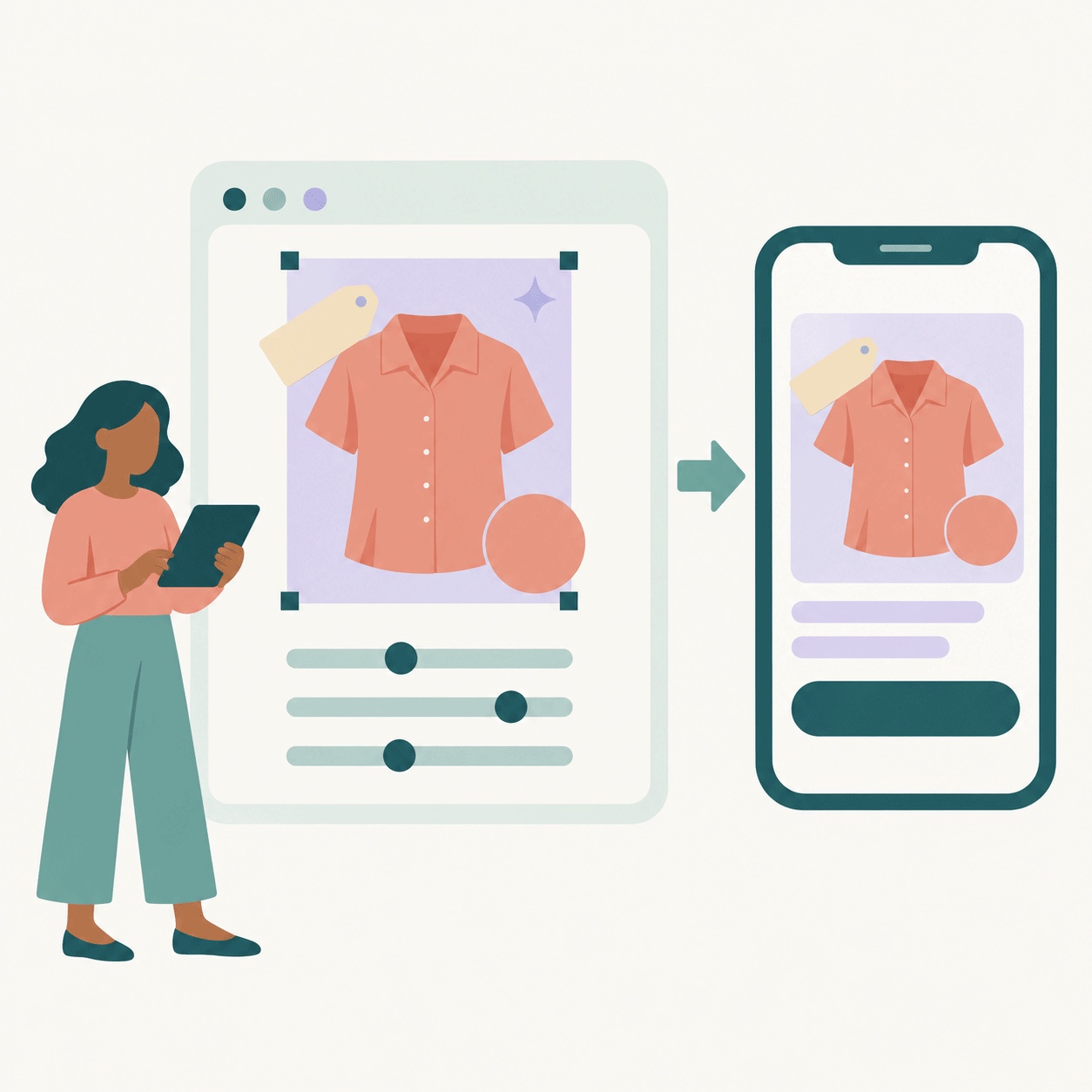
Product photos are shot for a shop page, square and clean. A rich card wants the right height, a bit more punch and a price. The image editor in your Media Library gets you there without leaving SendRCS.
Crop to the card format and let the AI fill the empty area so the product isn't cut, or fill with a colour or transparency
Adjust brightness, saturation, contrast and finer settings like shadows, highlights and temperature, and hold to compare with the original
Text and shapes for price tags, "New" badges, discounts and arrows, with fonts, outlines, shadows and gradients, draggable on the image
AI Edit by painting over what to change or remove and describing it in words; the cost is shown before you press Generate, and refunded if the edit fails
Preview the image inside a rich card or carousel at short, medium or tall height, exactly as it will look on a phone
Save over the original or as a new image. Text, crop and adjustments stay editable, and the badges and styles you create are kept in your library for every image you edit after that.
Connected in a few minutes
Four steps from installing the app to reading revenue per message.
Install the SendRCS app on your store
Approve the connection in your Shopify admin and log in to SendRCS right there in the app. Your store is connected in one step.
Switch on purchase tracking
One app embed in your theme editor, and orders are matched to your campaigns from then on.
Build and send
Pick Shopify Rich Card or Shopify Carousel in the RCS Designer, select your products, set the buy button, link format and discount code, and apply. Or ask the AI Designer, or add a SendRCS step to a Shopify Flow workflow.
Read the results
The Shopify tab in Statistics shows purchases, buyers and revenue per campaign and per message, and your Shopify reports show the same campaigns as traffic sources.
The Shopify integration, answered
What do I need to connect my store?
A Shopify store on any plan and a SendRCS account. You approve the connection in your Shopify admin. SendRCS reads orders, products and customers, keeps SMS opt-ins in sync, and never changes your products or orders.
How are purchases matched to a message?
Every button or link that points to your store is tracked. When a customer taps and places an order within seven days, the order is matched to the campaign and the contact. A small app embed in your theme carries the match through checkout, and a pixel covers "Buy it now" checkouts that skip the cart.
Does it work with SMS as well as RCS?
Yes. RCS buttons are always tracked. When a message goes out as SMS, store links are shortened to tracked links on your own shop address, so clicks and purchases from SMS appear in the same statistics as RCS.
Which Shopify plans can use the Flow actions?
While the SendRCS app is in early access on the Shopify App Store, the Flow actions are available on Shopify Plus and on development stores. Tracking, product cards, opt-in sync and the AI features work on every plan.
What happens with customers who opt in at checkout?
They become SendRCS contacts, validated like any other, and join the groups you choose. If a contact unsubscribes through a SendRCS link, their SMS consent in Shopify is updated too. Customers who opted in before you connected can be imported with one click.
Can I see which products a campaign sold?
Yes. The Shopify tab shows what was bought per campaign and per message, with the product the button linked to marked separately from items added on top, plus who bought, how much and when. Download the buyers or add them to a group.
Does the AI really see my products?
Yes. With your store connected and your own AI key in place, the AI Designer and AI suggestions read your products, collections, recent orders, pages and active discount codes, and build messages from them.
What do AI image edits cost?
AI edits and AI fills in the image editor are paid from your credits, and the price is shown before you press Generate. If an edit fails or is blocked, the credits are refunded. Cropping, adjustments, text and shapes are free.
Can I disconnect later?
Any time, from your SendRCS settings or by uninstalling the app in Shopify. Tracking stops for new campaigns; the statistics you already have stay.
Connect your store and see what your messages sell
Your products, your discount codes and your orders, inside RCS and SMS that are tracked from the first tap to the sale.
- Rich cards and carousels from your own products, with discount codes that apply themselves
- RCS and SMS from Shopify Flow, with every order traced back to the message
- Revenue, buyers and return on spend per campaign, in SendRCS and in Shopify